Fitment · 14.11.2026 · 4 min read
How to measure a lug width without a caliper
A ruler, a photo and ten seconds. The three-step check that prevents most band returns in this category.
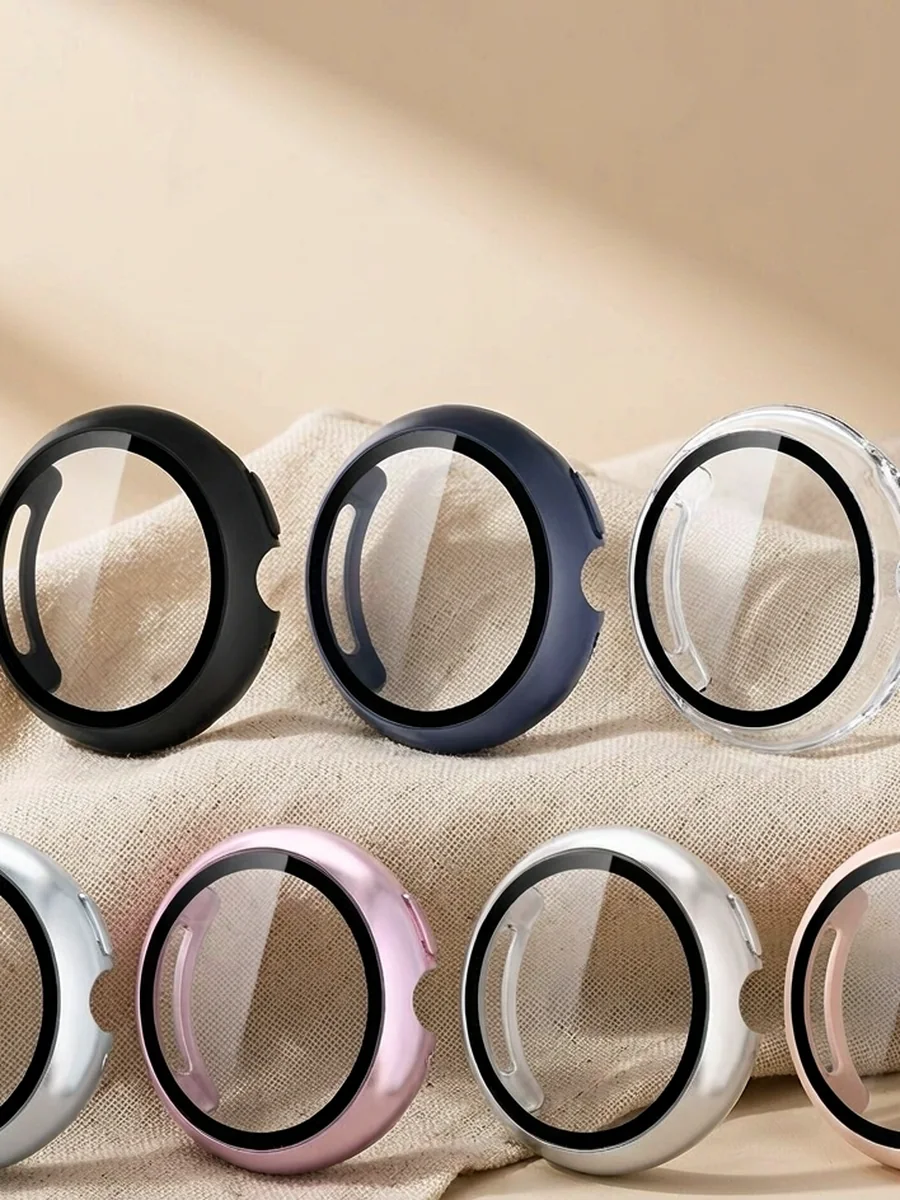
Most returns in the band category are not quality complaints. They are width errors — a 22 mm band ordered for a 20 mm lug, or an Apple adapter bought by the wrong case size. The fix takes less time than reading this paragraph.
1. Measure the inside span, not the band
Put a ruler across the watch between the two lugs, on the inside where the band sits. Read the millimetre mark at the inner edge of each lug. A 20 mm lug measures 20.0–20.3 mm; if you get 21.5, you are measuring the outside of the case.
2. Photograph it next to a coin
For remote buyers, a photo beats a number. Place a coin or a ruler flat against the lugs and shoot straight down. We use the same trick on the factory floor when a customer cannot name the model.
“If the width is wrong, nothing else about the band matters.”
3. Check the adapter, not the watch size
Apple sells bands by case size. 38/40/41 mm share one adapter; 42/44/45/46/49 mm share the larger one. Samsung and Google use standard spring bars measured in millimetres. WHOOP uses a proprietary lug, so bands only. Different systems, different questions.
- Apple: ask for the case size, not the lug width.
- Samsung / Google Pixel: ask for 20 or 22 mm.
- WHOOP 5.0: proprietary lug, bands only.
- Fitbit: many models use a proprietary lug — bands only.
Our fitment matrix lists every model we stock for, and the CSV version can be pasted straight into your product pages.
Next step
Send the width and quantity — we reply with unit price and lead time within one working day.
Request a quote